Atelier Inkscape Dessin 2D
2D Inkscape
Déroulé
Objectifs de l'atelier :
- Comprendre les concepts fondamentaux du dessin vectoriel.
- Apprendre à utiliser Inkscape, un logiciel de dessin vectoriel open-source.
- Créer des illustrations simples en utilisant Inkscape.
- Appliquer les compétences acquises dans un exercice pratique.
Matériel Nécessaire :
- Ordinateur avec Inkscape installé (version la plus récente recommandée).
- Souris.
Partie 1 : Introduction au Dessin Vectoriel
1. Définition du dessin vectoriel
- Le dessin vectoriel est une méthode de création d'images basée sur des formules mathématiques. Les images vectorielles sont composées de trajectoires et de formes géométriques.
- Comparaison avec les images bitmap : Les images bitmap sont composées de pixels et sont appropriées pour les photographies, tandis que les images vectorielles sont idéales pour les illustrations et les logos.
- Avantages du dessin vectoriel
- Mise à l'échelle sans perte de qualité : Les images vectorielles peuvent être agrandies ou réduites sans perte de netteté.
- Flexibilité : Vous pouvez facilement éditer et modifier des objets vectoriels.
- Adaptabilité : Les images vectorielles fonctionnent bien à différentes résolutions et formats.
2. Introduction à Inkscape
- Démarrage d'Inkscape : Ouvrez le logiciel et expliquez les différentes zones de l'interface, y compris la barre d'outils, la zone de travail et la barre des propriétés.
- Navigation rapide : Montrez comment zoomer, déplacer la vue et revenir en arrière.
Partie 2 : Les Outils de Dessin
1. Outil Sélection
- Sélection d'objets : Montrez comment sélectionner un objet en cliquant dessus.
- Déplacement d'objets : Expliquez comment déplacer un objet en le faisant glisser.
- Redimensionnement : Montrez comment redimensionner un objet en tirant sur les poignées de redimensionnement.
2. Outil Ligne
- Création de lignes : Sélectionnez l'outil Ligne et montrez comment dessiner des lignes droites en cliquant et en faisant glisser.
- Propriétés de ligne : Expliquez comment modifier l'épaisseur et le style de ligne.
3. Création de formes de base
- Outil Forme : Utilisez l'outil de forme pour créer des cercles, des rectangles et d'autres formes de base.
- Personnalisation des formes : Montrez comment changer la couleur de remplissage et du contour des formes
Partie 3 : Travailler avec les Trajectoires
1. Outil Plume (15 minutes)
- Création de trajectoires : Utilisez l'outil Plume pour dessiner des trajectoires courbes en ajoutant des points d'ancrage et des poignées de contrôle.
- Modification des points d'ancrage : Expliquez comment ajuster la forme d'une trajectoire en déplaçant les points d'ancrage.
2. Conversion d'objets en trajectoires
- Montrez comment convertir une forme géométrique en trajectoire en utilisant l'option "Chemin" > "Objet en chemin".
- Expliquez pourquoi cela peut être utile pour la personnalisation.
3. Modification des trajectoires
- Nœuds et poignées de contrôle : Détaillez comment ajuster les trajectoires en déplaçant les nœuds et en manipulant les poignées de contrôle.
- Création de formes complexes : Montrez comment combiner des trajectoires pour créer des formes complexes.
Partie 4 : Texte et calques
1. Ajout de texte
- Utilisation de l'outil Texte : Montrez comment créer des zones de texte et ajouter du texte.
- Mise en forme du texte : Expliquez comment formater la police, la taille et la couleur du texte.
2. Utilisation de calques
- Gestion des calques : Montrez comment utiliser les calques pour organiser vos objets et les empiler de manière logique.
Partie 5 : Opérations booléennes
1. Utilisation des opérations booléenne
- Addition, soustraction division, etc de formes pour en créer de nouvelles.
Partie 6 : Exportation
1. Exportation de vos dessins
- Formats d'exportation : Expliquez comment exporter vos créations dans différents formats tels que PNG (raster), SVG (vectoriel), et PDF (pour l'impression).
- Paramètres d'exportation : Montrez comment choisir la résolution, la qualité, et d'autres paramètres d'exportation en fonction de l'usage prévu.
Exercice Pratique
1. Exercice de dessin
- Les étudiants sont invités à appliquer les compétences acquises pour créer une illustration simple (par exemple, une fleur, un logo, ou un symbole).
- L'instructeur circule pour aider les étudiants, répondre à leurs questions et fournir des conseils.
Questions et Réponses
1. Session de questions
- Les étudiants posent des questions sur le contenu du cours, les outils, ou l'exercice pratique.
- L'instructeur répond aux questions et partage des astuces supplémentaires.
Conclusion
1. Récapitulation
- Résumez les points clés du cours, mettant l'accent sur les avantages du dessin vectoriel et les compétences acquises.
2. Ressources
- Fournissez des ressources pour approfondir les compétences en dessin vectoriel, telles que des tutoriels en ligne, des livres recommandés, ou des communautés d'utilisateurs d'Inkscape.
synthèse de déroulé :
-
Type de logiciel vectoriel
-
Vecteur vs pixel
-
Vecteur et machine G-code
- Exemple sur les différents type de machine : laser, brodeuse, extrusion 3D, CNC, ...
-
Formes simples : carré, rond, polygone
-
Resize, positionnement, rotation de la forme, propriété
-
Alignement et distribution
-
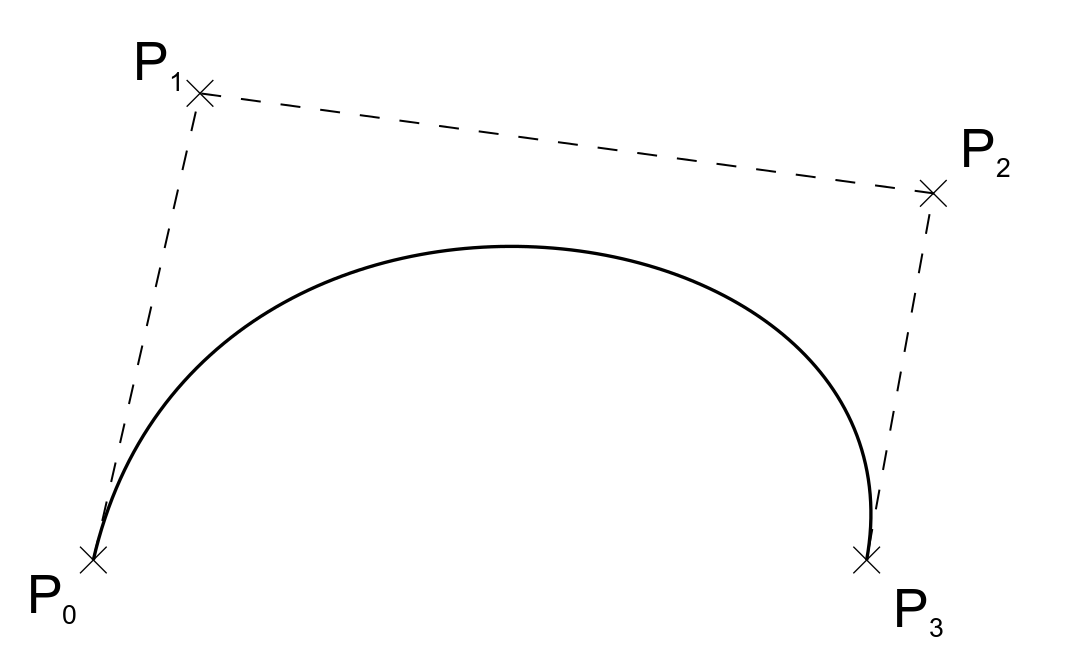
Courbe de bézier
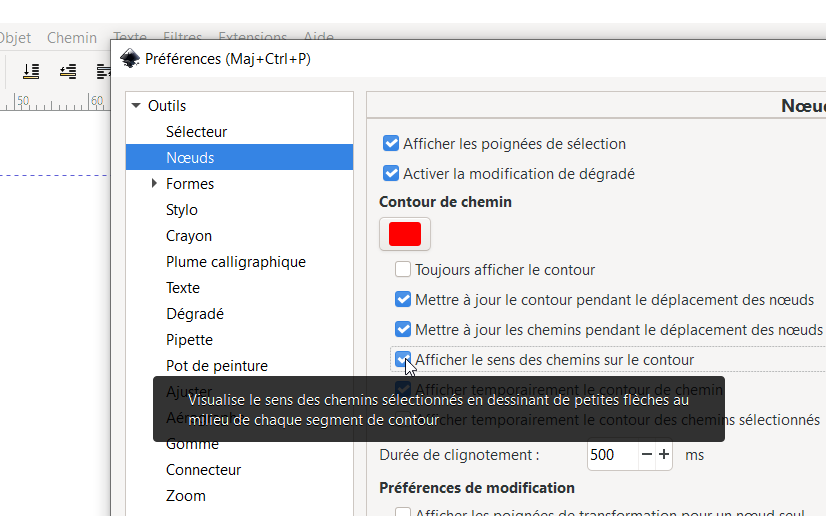
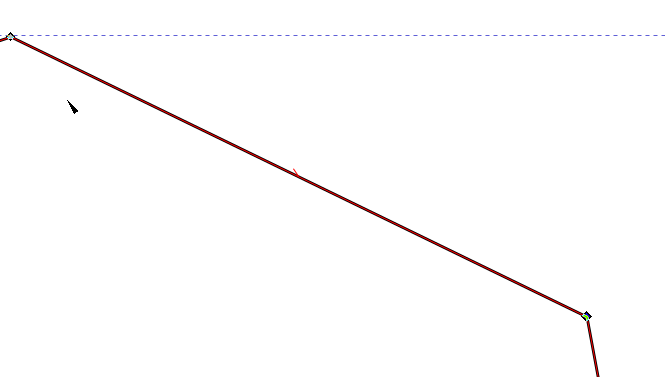
- Orientation du vecteur !
-
couleur courbe , couleur remplissage
-
Opération Booleenne
- Notion dessus-dessous
- Importance du remplissage de couleur,comme aide, à relier à la notion vecteur machine g-code
-
Importation image bitmap
- Exercice pratique courbe de bézier en déclaque
- Vectorisation et problème, quelques réglages (décourager la pratique de la vectorisation- c'est magique)
-
Retouche de vecteur trouvé sur internet :
- dégrouper
- scinder les courbes
- opérations sur les courbes
-
Texte
- Font vs vecteur : accident à l'export
- notion du double trait à la laser
-
export en SVG et en DXF
- unité mm et inch
- réouverture dans un autre logiciel, type laser axe et démonstration des problèmes courants : groupe, police texte ...
-
Plugins
- Boite
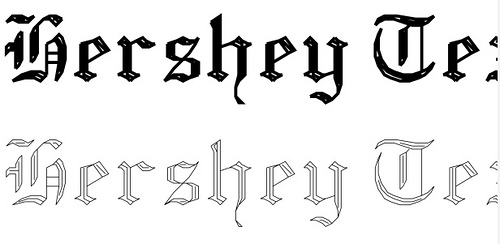
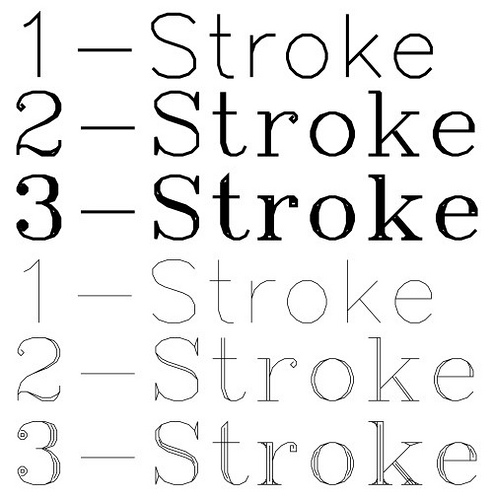
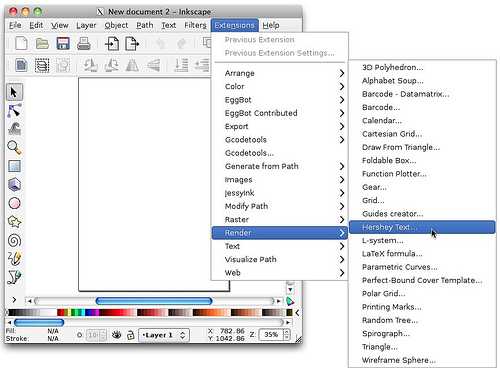
- font Hershey
-
autres logiciels et combinaisons de techniques
- "Logiciels 2D":/projets/projects/tutoriels/questions/100-logiciels-2d
- https://cuttle.xyz/, https://fabacademy.org/2021/labs/waag/students/nadieh-bremer/blog/week-3/
-
Nesting
- notion : SVG nest : https://svgnest.com/test/
- deepnest : https://deepnest.io/
Contenu
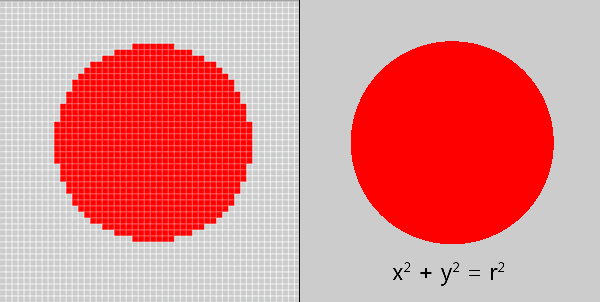
quelques opérations
cercle
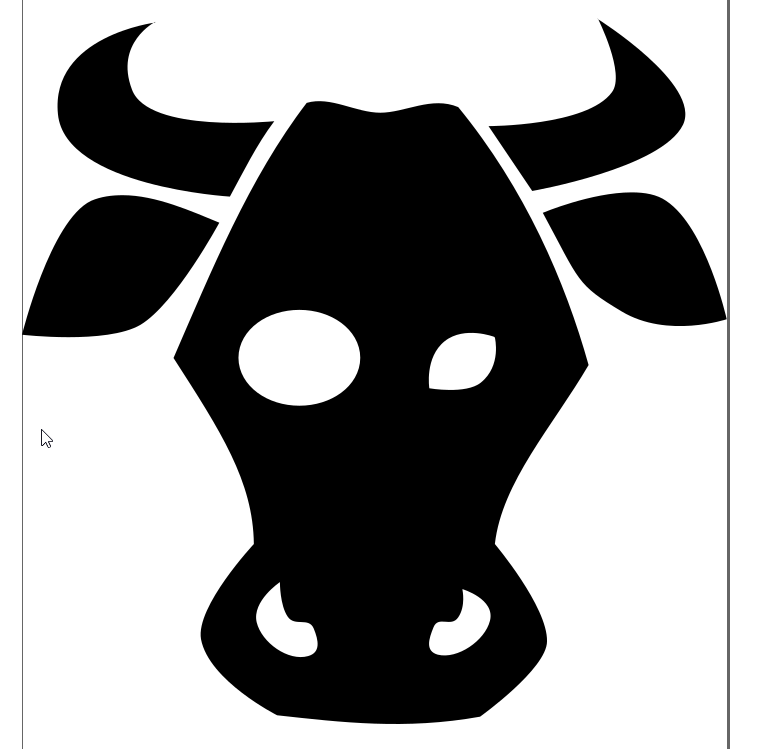
Faire des courbes de beziers
!http://agrilab.unilasalle.fr/projets/attachments/download/1325/inkscape-003b_curve.png!

!http://agrilab.unilasalle.fr/projets/attachments/download/1327/inkscape-003_curve.png!

Dissocier des éléments
!http://agrilab.unilasalle.fr/projets/attachments/download/1324/inkscape-004_break_appart.png!

!http://agrilab.unilasalle.fr/projets/attachments/download/1323/inkscape-004b_break_appart.png!

opération d'union de 2 courbes
!http://agrilab.unilasalle.fr/projets/attachments/download/1321/inkscape-005_union.png!

!http://agrilab.unilasalle.fr/projets/attachments/download/1322/inkscape-005b_union.png!

opération de différences de 2 courbes
!http://agrilab.unilasalle.fr/projets/attachments/download/1320/inkscape-006_difference.png!

!http://agrilab.unilasalle.fr/projets/attachments/download/1319/inkscape-006b_difference.png!

orientation du vecteur

2D
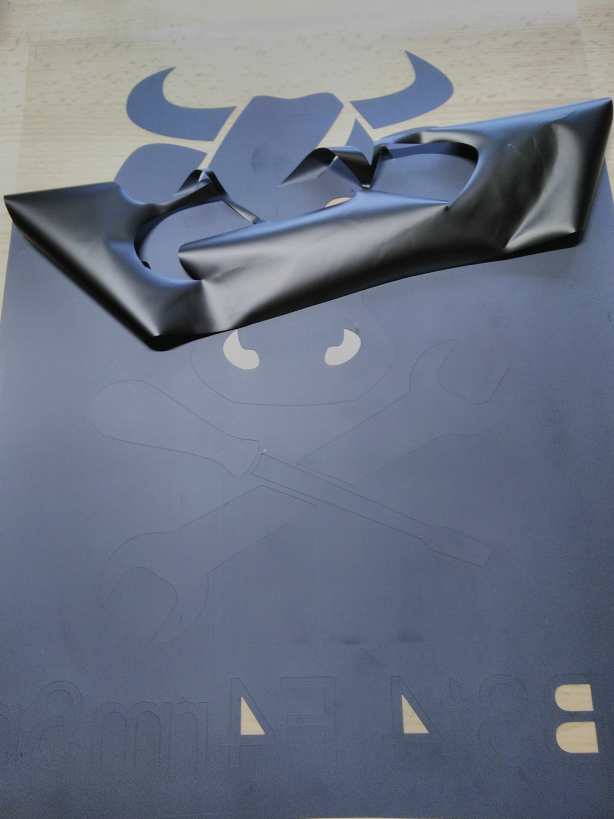
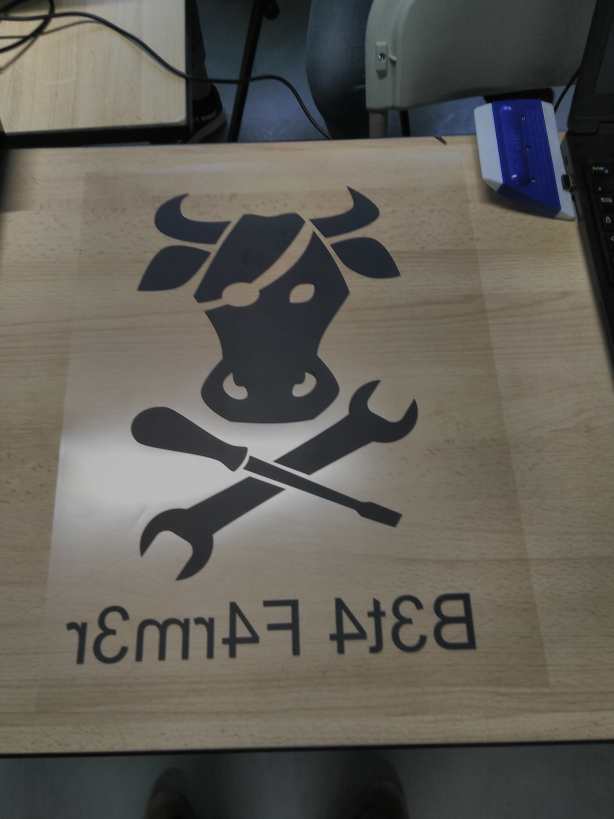
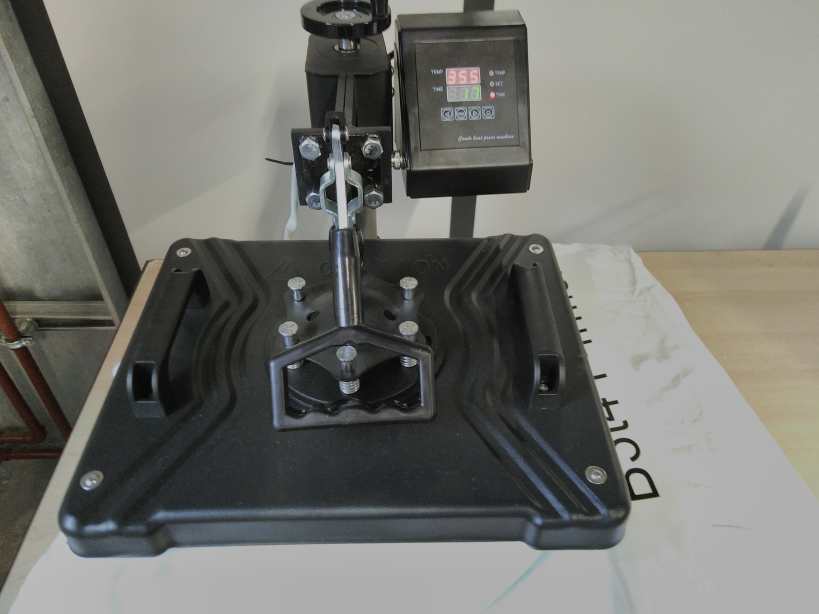
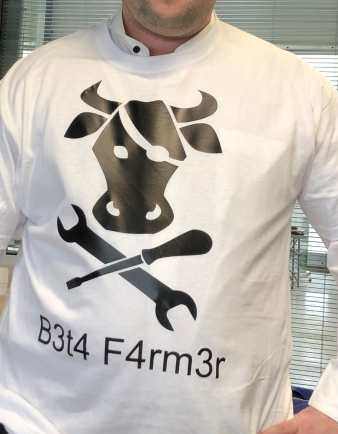
Découpe Vinyle :
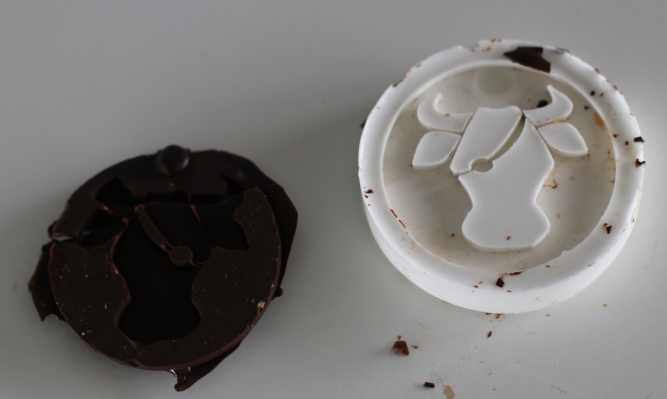
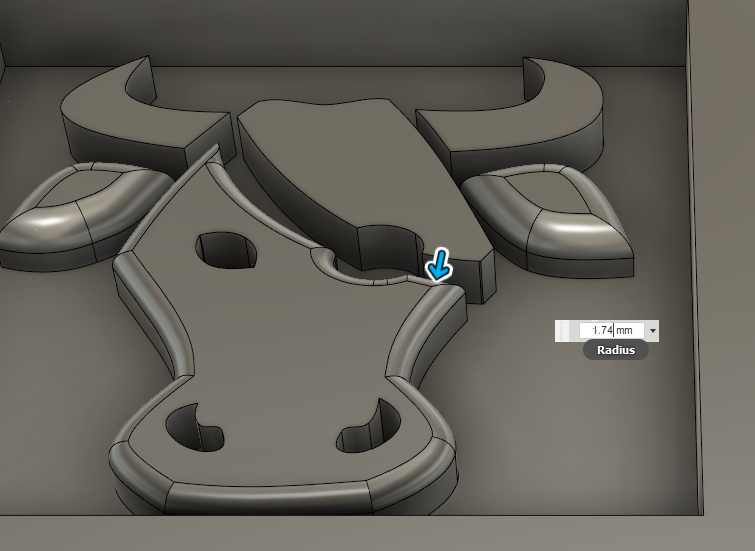
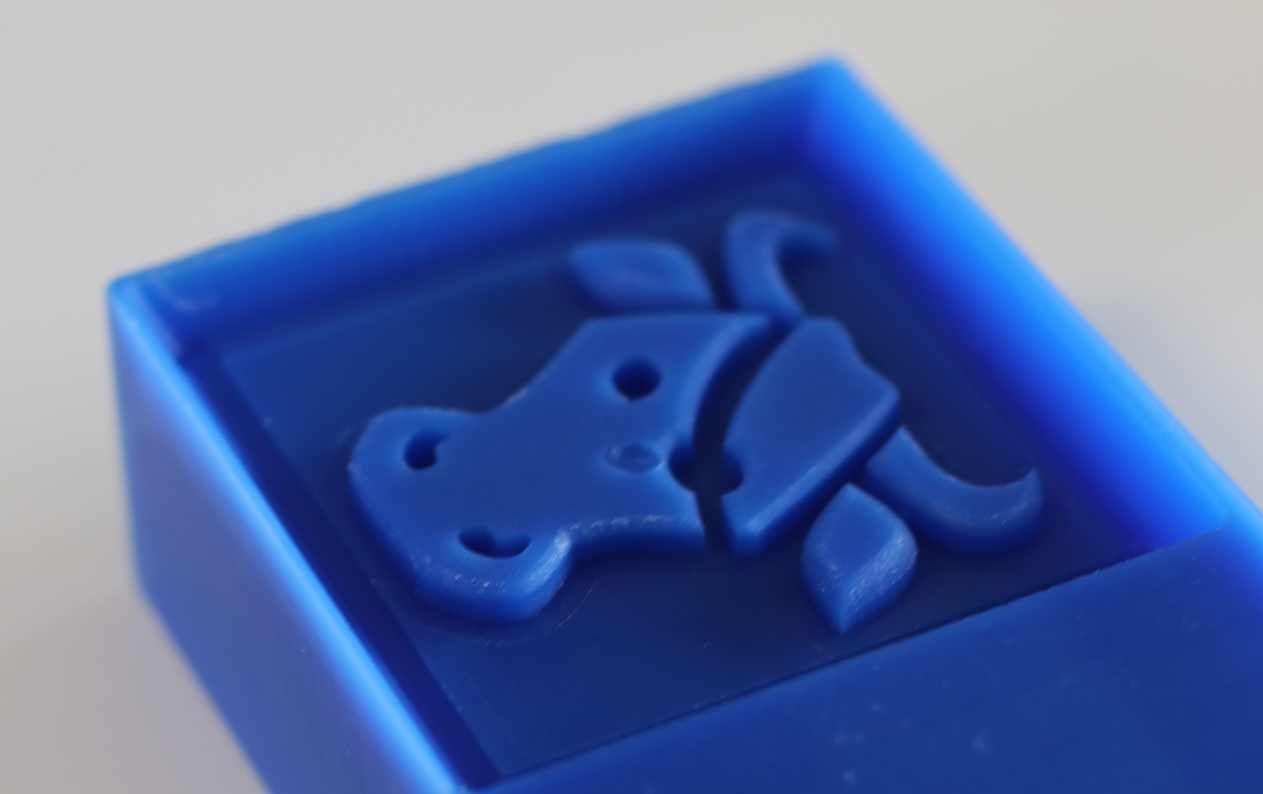
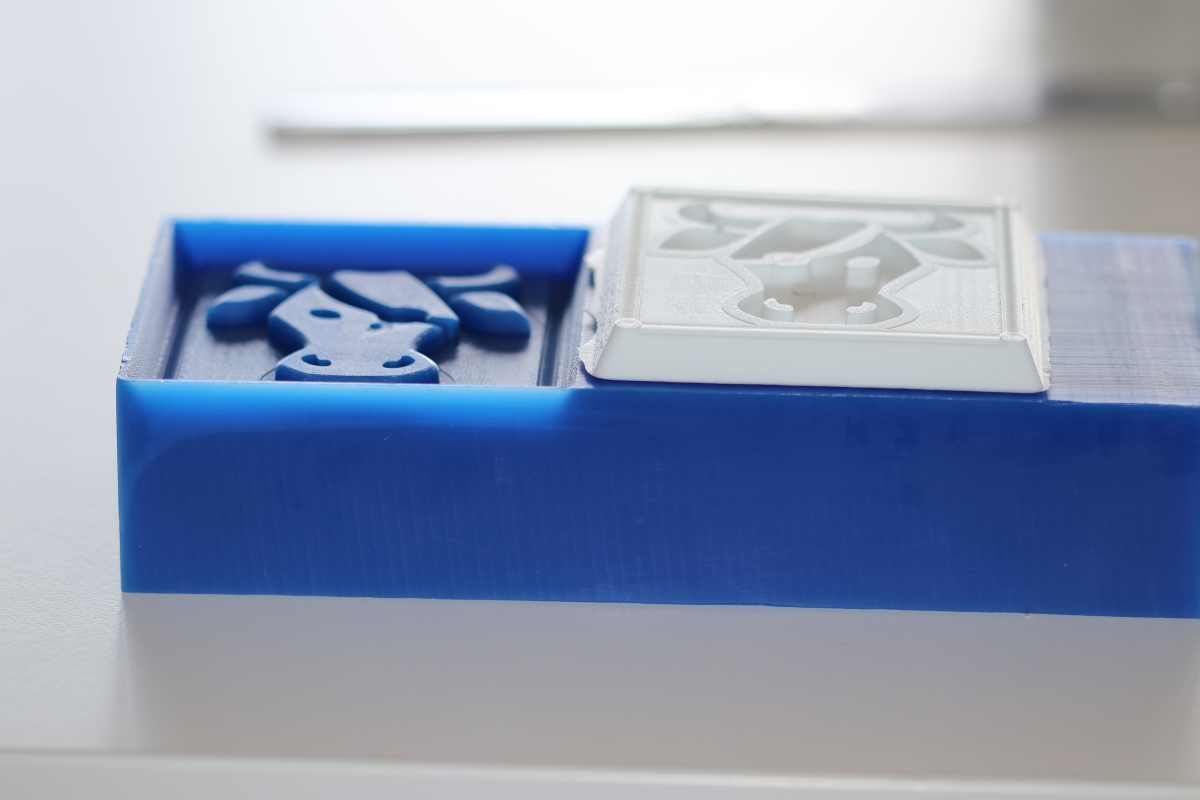
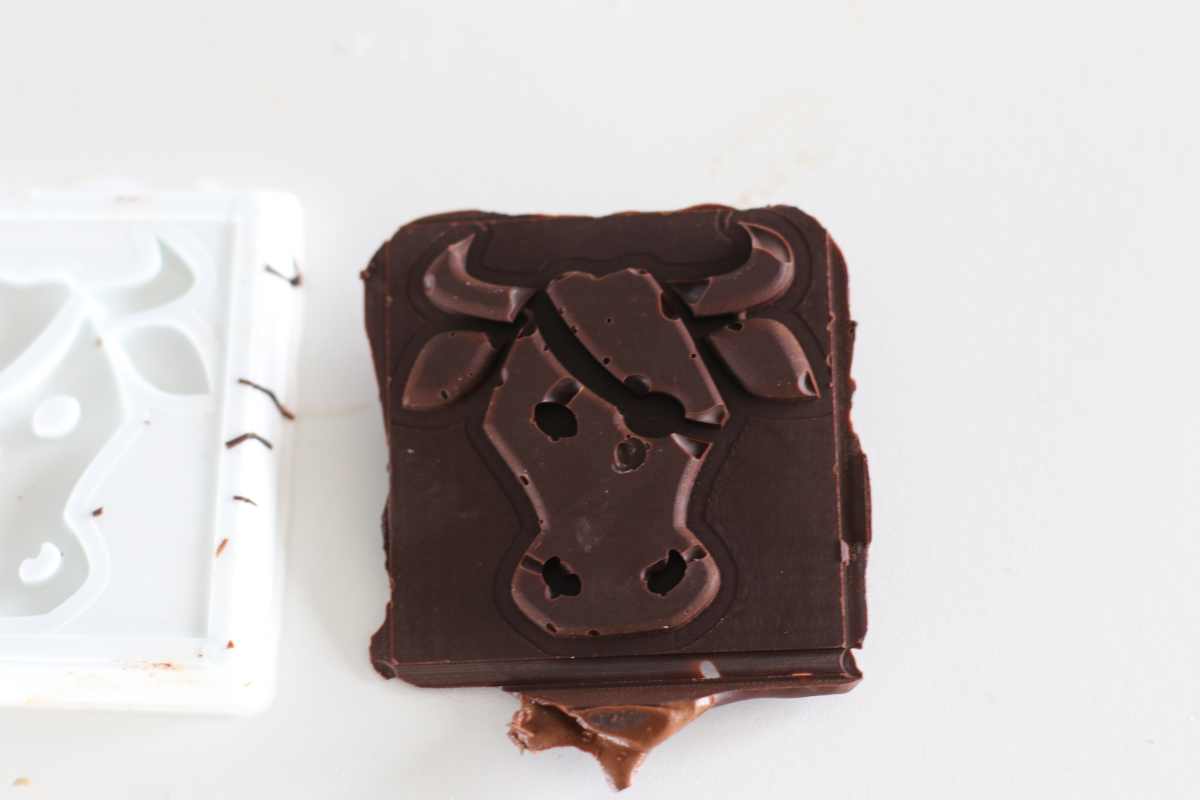
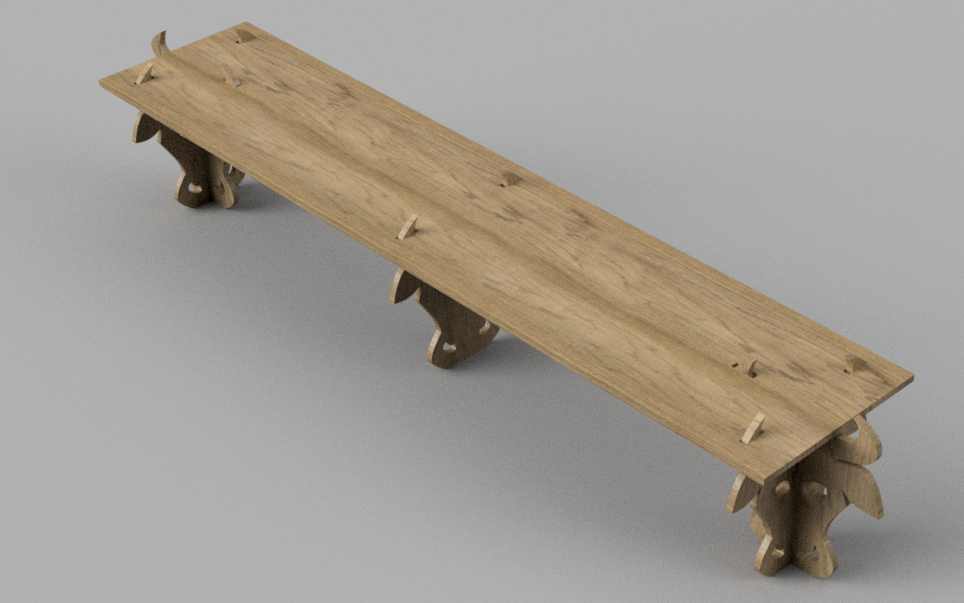
Fraisage / Moulage :
Fraisage :
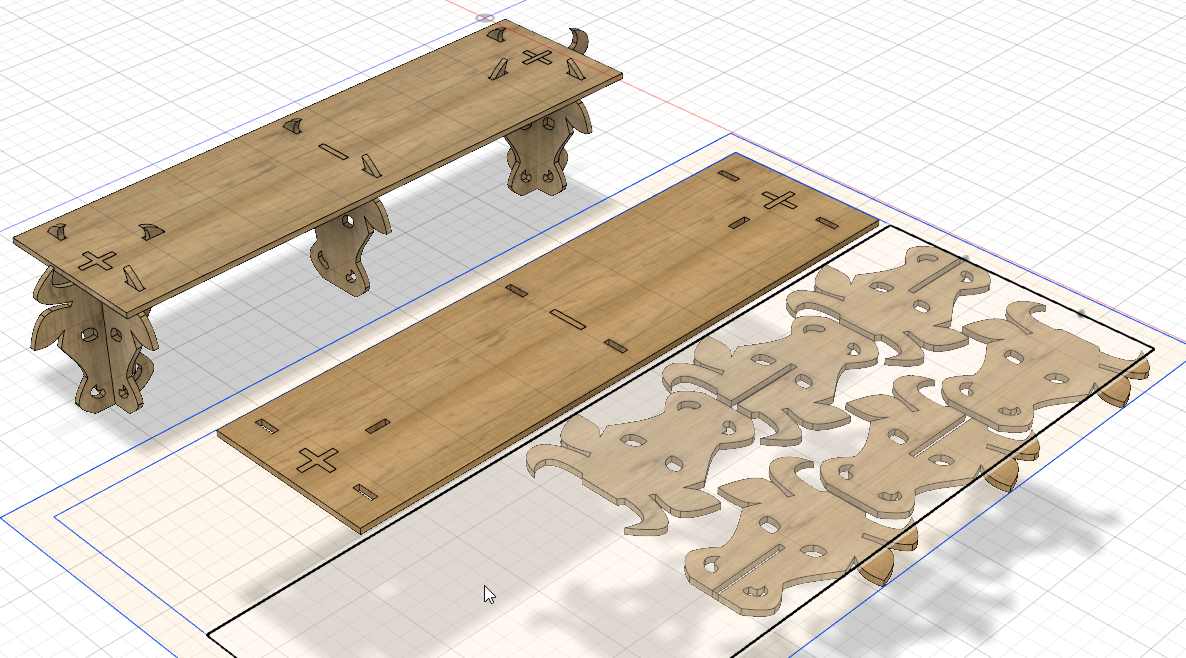

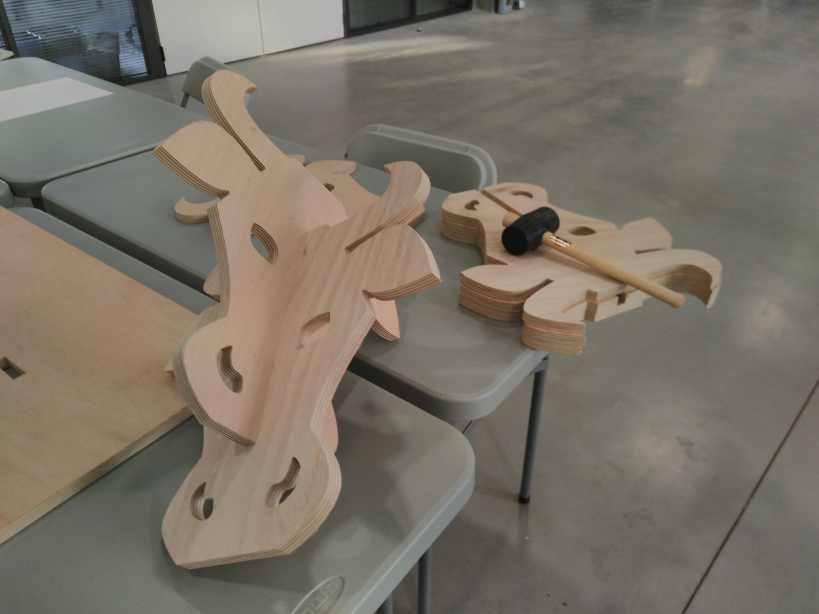
Inkscape-plugins spécifique laser :
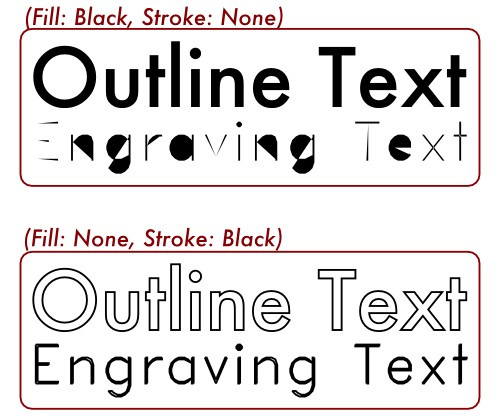
Hershey Text
Hershey Text : https://www.evilmadscientist.com/2011/hershey-text-an-inkscape-extension-for-engraving-fonts/
Texte:
BoxMaker
BoxMaker plugin for Inkscape : https://github.com/paulh-rnd/TabbedBoxMaker
installation :
_## Installation
Boxmaker.inx, Schroffmaker.inx and Boxmaker.py need to be put in the inkscape extensions folder generally in:
...\Inkscape\share\extensions
or linux:
usr/.../Inkscape/share/extensions
(NOTE: you need to make boxmaker.py executable)_
Eliptical Box Maker
Eliptical Box Maker plugin for Inkscape : https://github.com/BvdP/elliptical-box-maker
Vectorize plugin
Vectorize plugin laser oriented for Inkscape : https://github.com/fablabnbg/inkscape-centerline-trace
Pour éviter d'avoir un "double trait" lors de la vectorisation.
Exemple de plusieurs techniques :
https://wiki.imal.org/project/fox-variations
Objet 3D en plusieurs couches :
https://wiki.imal.org/project/you-are-lucky-me
Machine à calculer :